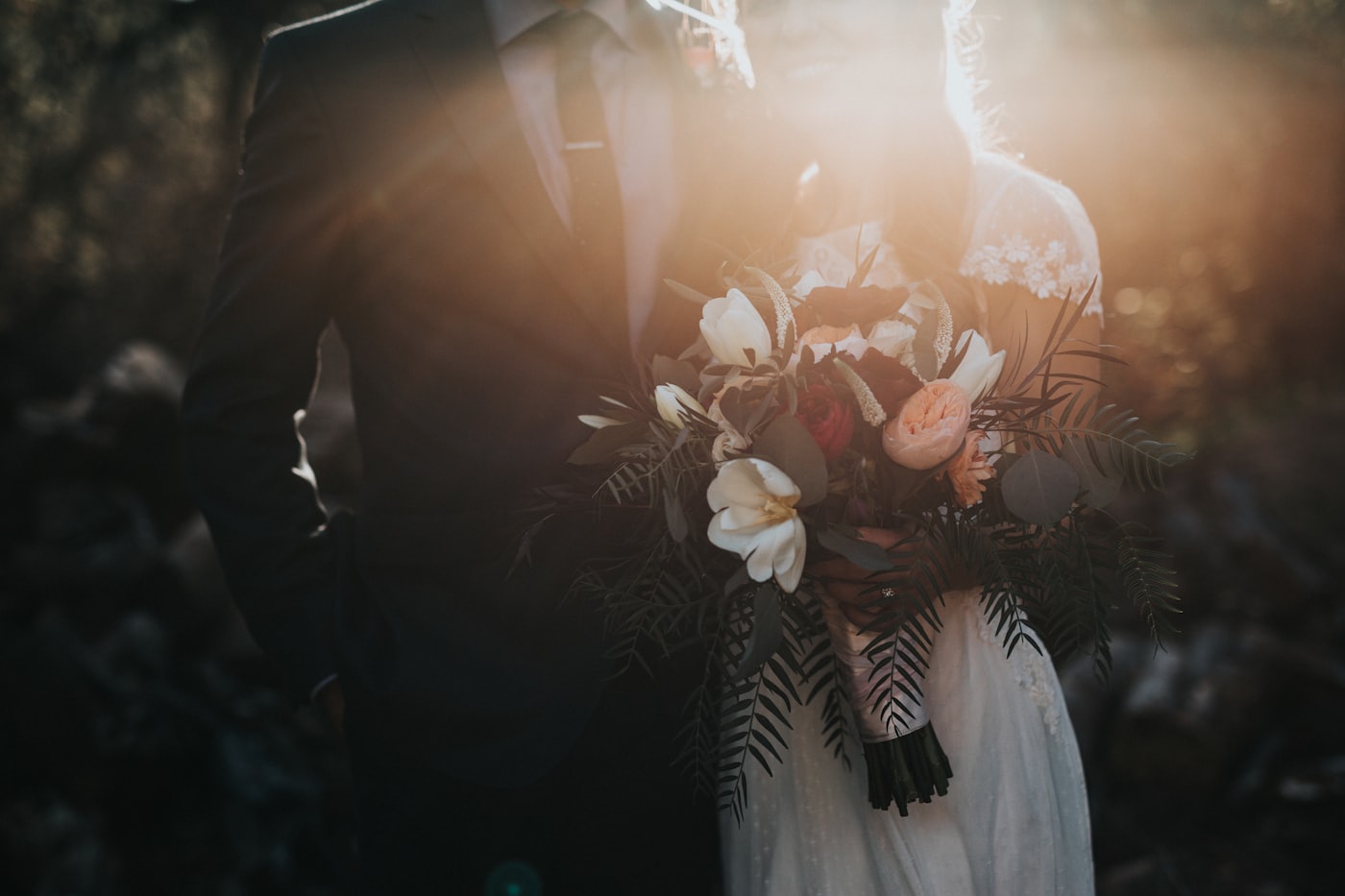
In short: set your wedding date in Kounts and watch the days, hours, minutes and seconds tick down on a gorgeous photo card. Share the countdown with your partner so you both follow the same live count, keep a vendor checklist and registry links on the event itself, and pin it to your Home Screen, Lock Screen and Apple Watch. It's free, with no ads.
Made for the run-up to the wedding
A countdown you both share
Invite your partner (and up to five people in total) to follow the same live countdown. Everyone sees the same days-until, and you can add the wedding party or close family so no one's left guessing how long is left. Living together already? A Shared Space keeps the wedding and everything else in one library you both edit.
One shared photo album
Everyone on the countdown adds photos to a single shared album: the proposal, the dress fitting, the cake tasting. By the day itself you've collected the whole engagement story in full-screen, ready to look back on.
Checklists that live on the event
Keep as many to-do lists as you need right on the countdown (a vendor checklist, a guest list, a honeymoon packing list) each with its own progress bar. Tick things off as the day gets closer.
Every link in one place
Paste links to your venue, registry, florist or Pinterest board and Kounts pulls in each one's title and picture as a neat, tappable card, so the details you keep coming back to stay attached to the countdown.
Widgets & a live final countdown
Add a Home or Lock Screen widget to keep "days until the wedding" in view all day. On the wedding day, a self-ticking Live Activity and Dynamic Island countdown count down the final hours until you walk down the aisle.
A card worth sharing
Dress the countdown in your own photo or a hand-tuned gradient, then export it as a high-resolution image for stories and group chats, a "one month to go!" to share with everyone invited.


A full-screen countdown, the event with photos and checklists, and Home Screen widgets.

Set up your wedding countdown in minutes
-
1
Add the date
Download Kounts free, tap to create an event, and set your wedding date. Drop it in the Personal category, or make a custom "Wedding" one with its own colour.
-
2
Make it yours
Add a favourite engagement photo or pick a gradient artwork, then attach the venue location, a vendor checklist and your registry link.
-
3
Share it with your partner
Send a share link through Messages or Mail so you both follow the same live countdown and add to the same photo album.
-
4
Put it where you'll see it
Add a Home or Lock Screen widget and the Apple Watch complication, and turn on a reminder so the days-until is always in view.
Frequently asked questions
Is there a good wedding countdown app for iPhone?
Yes. Kounts is a free event countdown app for iPhone, Mac and Apple Watch that works beautifully for weddings. Add your wedding date and it counts down the days, hours, minutes and seconds on a full-screen card, a Home or Lock Screen widget, and a Live Activity on the big day. You can also share the countdown with your partner and add photos, checklists and links.
Can my partner and I share the same wedding countdown?
Yes. You can share a Kounts countdown with up to five people: your partner, family or the wedding party. Everyone follows the same live countdown and can add photos to one shared album, so all your photos stay in one place.
Can I keep my wedding to-do list and vendor links in the app too?
Yes. Each Kounts event holds notes, multiple to-do checklists and links. Keep a vendor checklist, a guest list and a honeymoon packing list on the countdown itself, and paste links to your venue, registry or inspiration, and Kounts pulls in each link's title and picture as a tidy card.
Is the wedding countdown app free?
Yes. Kounts is free to download with no ads, and the countdown, photos, checklists, widgets and the Apple Watch app are all part of the free experience, and joining a countdown your partner shares with you is always free. An optional Kounts Premium unlocks extra card styles and fonts, starting shares of your own, and more customization, as a yearly subscription or a one-time lifetime purchase.
Will the wedding countdown show on my Lock Screen and Apple Watch?
Yes. Add a Kounts widget to your Home or Lock Screen to keep the days-until front and centre, and the dedicated Apple Watch app keeps the countdown on your wrist. On the wedding day itself, a self-ticking Live Activity and Dynamic Island countdown count down the final hours.
Start the countdown to "I do"
A free, ad-free wedding countdown with a shared album, checklists, widgets and an Apple Watch app.
See also: Shared countdowns · Vacation countdown · Countdown with photos